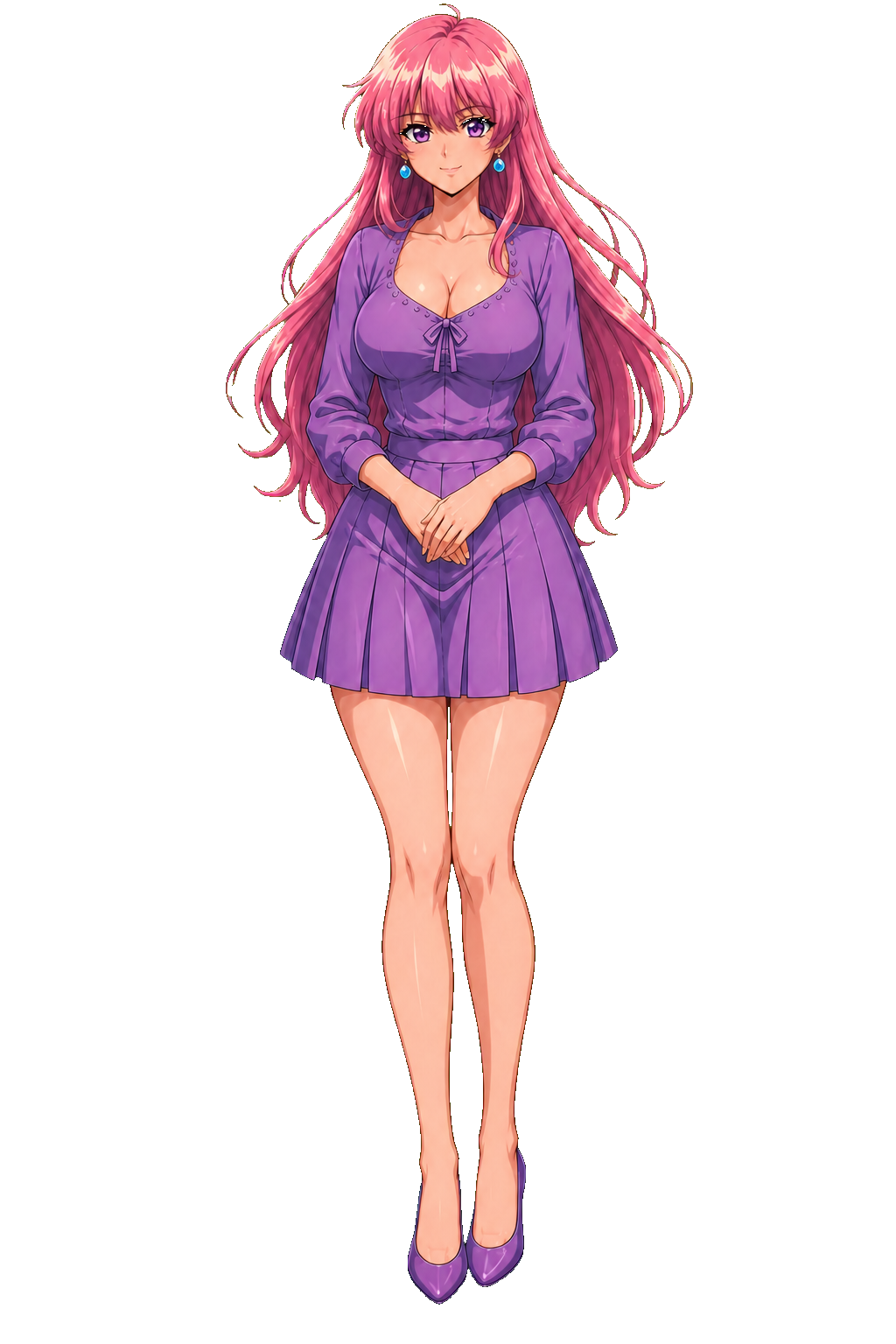
Your creative workspace, on your PC
Creation Core runs independently of Drakima. Generate and edit artwork, compare Qwen and Drakima background removal, review results, and export approved PNGs for your own projects or Drakima's authoring tools.
Download for Windows x64 · v@Model.Version
74.6 MB · Portable ZIP · .NET runtime included
Verify download
SHA-256: bec23383c597ec79c549395e6022f7190b9a1c2b42a0ea1a371f296aa586f8c0
Get started
- Extract the ZIP to a local folder and open
Drakima.GynoidCreationCore.exe.
- Start your existing ComfyUI installation. Install Qwen Image 2.1 support and model files if needed.
- Choose a local workspace, test the connection, and start a project.
The interface opens in your browser. Generation uses your local hardware. ComfyUI and model weights are separate downloads; a capable GPU and sufficient memory are required for your selected models.
Bring selected artwork to Drakima
Approve and export your PNGs, then extract the ZIP and upload them through the Gynoid Wizard or VN Maker. Assign them to your character or story and review before publishing.
Creation Core does not create a website profile, upload images or publish anything automatically.
Use it for your own projects
Exported PNGs work in other editors and engines. Prompts and seeds are optional in the export manifest. Source images and rejected candidates stay in your local project.
Review the licenses of your AI models and reference material for your intended use. The initial Windows preview is unsigned.