An image is only part of a sprite
A sprite frame needs a stable identity, a source image, a pivot or alignment, a scale and an animation role. Maker's individual PNG slots let an author replace artwork while retaining that identity. Placement tools compare the opened idle reference, foot alignment and both facings. Wide weapons, hair and crouched poses make uniform overall-image scaling unreliable; head and torso proportions need visual review.
Collision remains separate. Enlarging a picture is not a collision fix, and changing a hitbox to hide a bad crop makes combat less readable. Imported sprite-sheet fragments, transparent padding and root drift belong in asset review.
Source, derivative and release
| Material |
Owner |
Maintenance rule |
| Artwork references and import provenance |
Authoring/media workflow |
Retain character identity and record which source produced the result |
| Registered runtime frame/audio definitions |
Game Content |
Preserve IDs, dependencies and content hashes |
| Atlas or processed derivative |
Asset pipeline |
Rebuild through its recipe when appropriate |
| Installed release media |
Checked Arcade release |
Match the admitted manifest; do not patch bytes behind an existing identity |
Windows imaging adapters support Maker's asset processing. The game and website use the resulting runtime assets. An authoring tool's dependency does not automatically become a browser requirement.
Audio has several independent jobs
Music, cinematic speech, live flight radio, Gynoid System terminal speech and combat effects use separate routing and gains. Lowering flight music should not inadvertently change the pre-flight scene or boss theme. Music ducking is the temporary reduction applied while speech plays; it differs from the scene's normal music level.
The beta keeps the original shield-block effect and the original Dome enemy-destruction explosion. Flight missile launches use the approved missile sound. Hull impacts reuse a smaller Dome explosion; missile impacts are deliberately larger. These are authored presentation choices attached to actual gameplay events.
Art in this knowledge hub
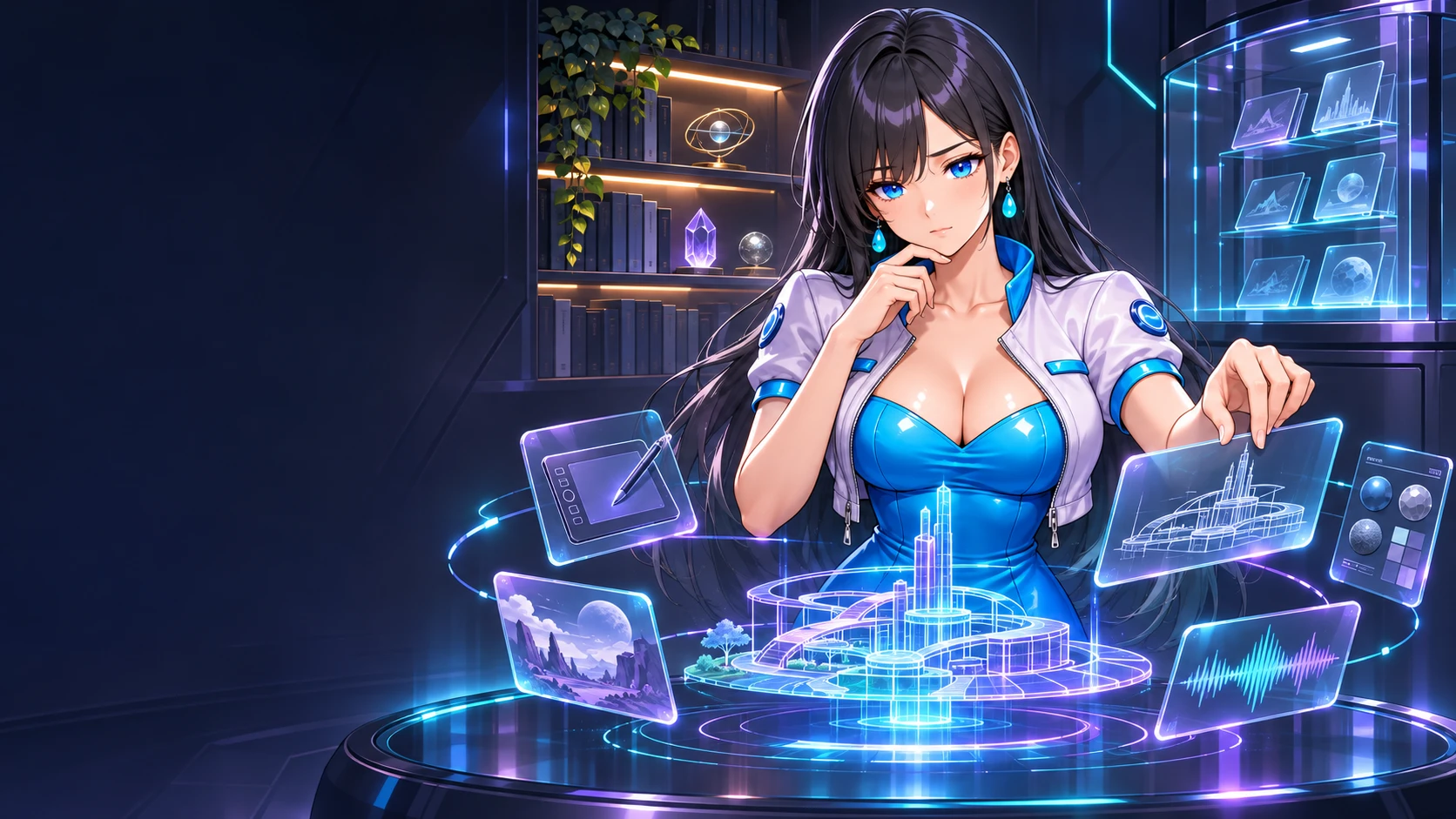
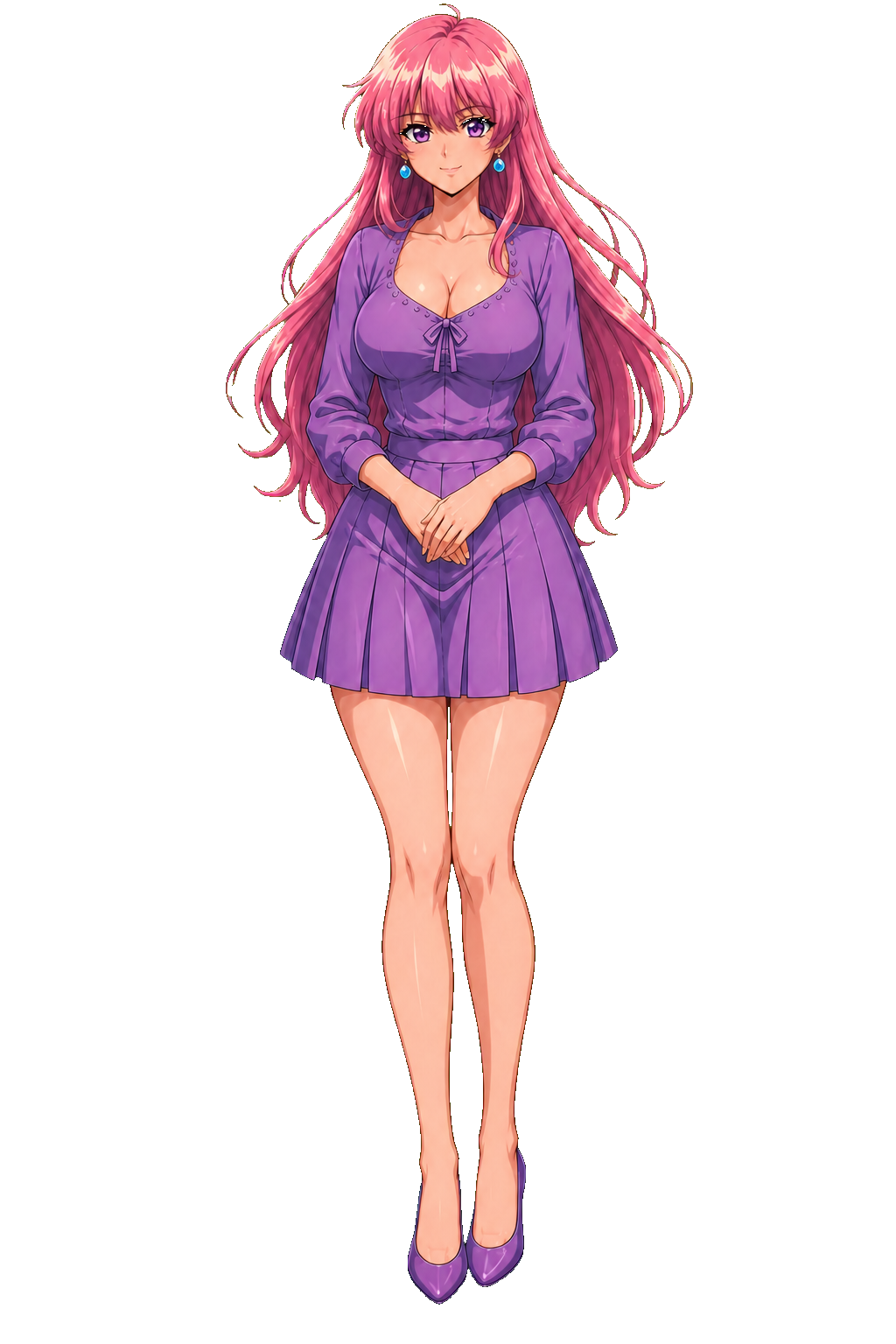
The Engineering illustrations use approved Meet the Gynoids artwork as identity references. Their holographic displays are explanatory concept art, not screenshots or proof of functionality. Public artwork and captions are separate from the characters' private conversation cards. Documenting a system does not require changing a character's identity or prompts.
Read Maker, combat readability, and Drakima media ownership.
Implementation evidence in TheGynaraLegend: src/Gynara.AssetPipeline, src/Gynara.LegendMaker/Authoring, src/Gynara.Game/RoomAudioBuffers.cs, CampaignMusicDirector.cs, and the individual-sprites.md, video-to-sprites.md, sound-effects.md, and owner-editing-guide.md manuals. Website illustration provenance belongs in Content/PublicAssets.
Further reading: Maintained handbook chapter.